SaveMyLeads
Facebook Lead Ads notifications to CRM, Email or SMS. Send notifications in real time about new leads via Email, SMS or integrate with your CRM & Spreadsheets. Stop downloading CSV from Facebook again and again.
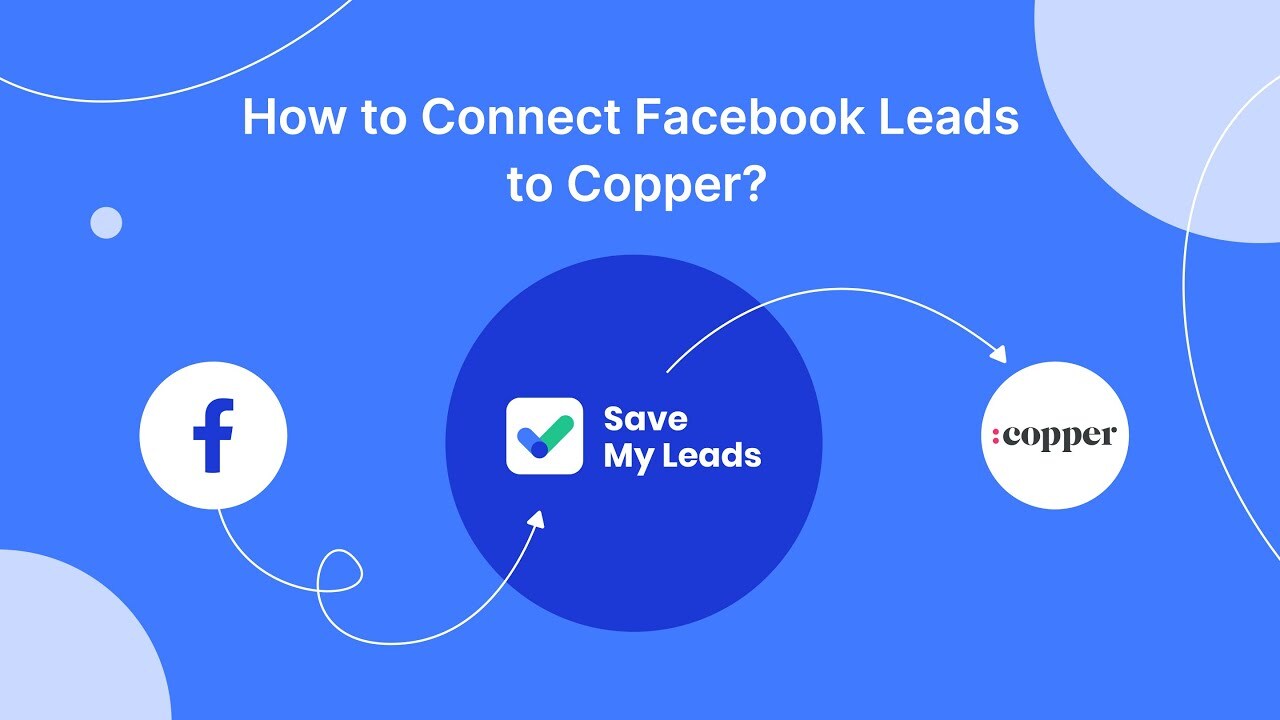
Tired of manually exporting data from Facebook forms to Copper?
If so, try the SaveMyLeads system. It is capable of automatically generating leads or deals in Copper based on data received through Facebook ad forms. For this, the system can use any data entered by the user in the fields of the social network, including the phone number, postal address, first and last name, as well as the name of the product.
Solutions:
- Create Contact
- Create Lead
- Create Deal
How it works?
- SaveMyLeads checks every second for new leads on Facebook.
- Immediately after the next lead appears, our service extracts all the necessary information from it and transfers it to Copper in the form of a new lead or deal.
To create a Facebook Lead Ads + Copper connection, you just need to register on the SaveMyLeads website and set up a connection between them using the interface prompts.




Frequently asked questions
Can’t find the answer here?
Chat with support.
CRM integration involves connecting other business applications with your CRM platform to feed data to, from or between your tech tools. Copper’s goal with CRM integration is to help you seamlessly sync the business software you use daily to your CRM to give you a complete, accurate snapshot of your business and customers.
Our integrations with Gmail, Google Calendar, Google Contacts and Google Drive are included with all plans. Most of our CRM integrations are included on Professional plans and above, but select integrations are available on Business plans only. Check the plan availability section in each listing to confirm.
Yes! You can set up integrations on a free trial. During your free trial, you will be using our CRM software on the Business plan to experience the full capabilities of Copper. Most of our CRM integrations are included on Professional plans and above, but select integrations are available on Business plans only.
[object Object]
If you work at a B2B software company and you’ve built an integration with Copper, email partners@copper.com to apply to be featured on our integrations marketplace. We’ll get in touch if the integration meets our entry requirements.
It depends on the integration! Check each integration listing page for more detailed instructions. In all cases, you’ll need to be an admin or account owner to set up integrations for your account.
Try Copper free.
Instant activation, no credit card required. Give Copper a try today.