New! LinkedIn Chrome extension
Your scattered contact info — finally organized.
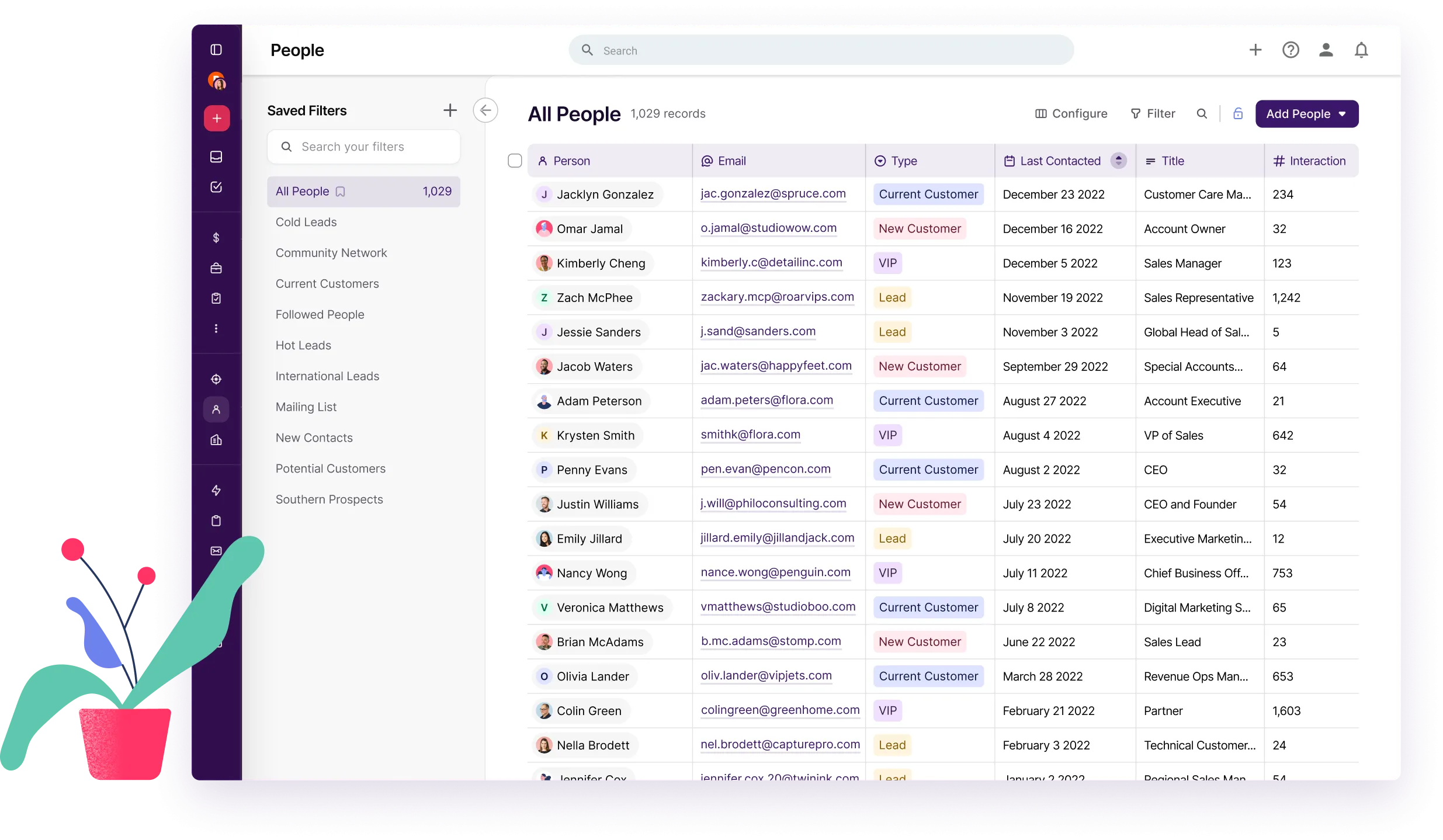
Copper brings all your emails, calls, files, and notes together in one place — giving you a crystal-clear view of every relationship.











Copper brings all your emails, calls, files, and notes together in one place — giving you a crystal-clear view of every relationship.











Copper is trusted by 30,000+
companies of all sizes

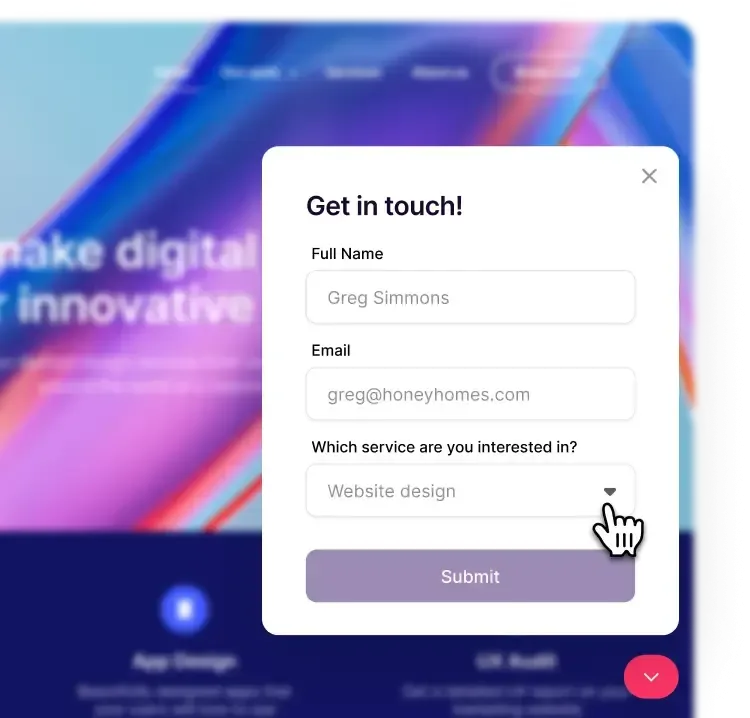
Collect new leads and create opportunities from your website with custom fields for budgets, interests, and more.

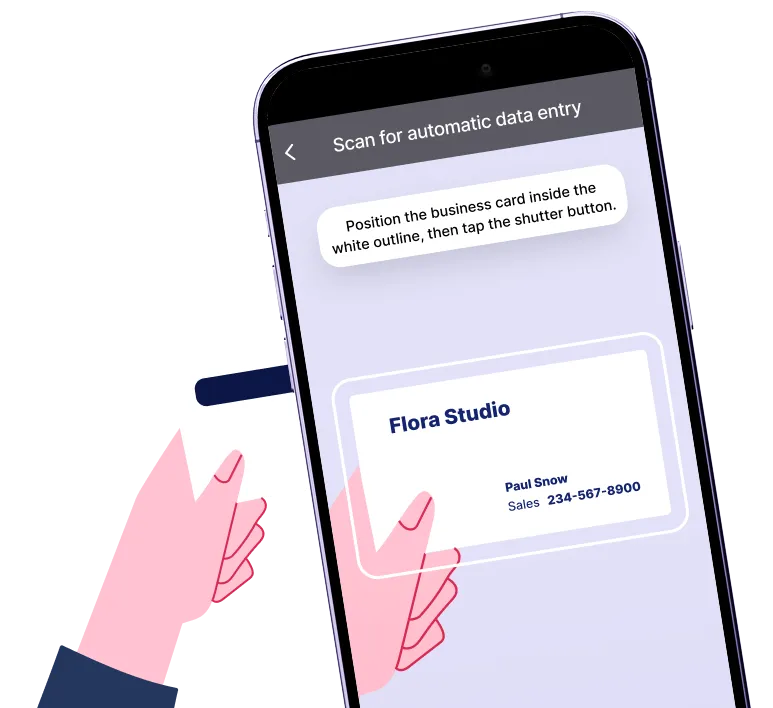
Snap a photo of a business card, anytime, anywhere and Copper will create a new contact.

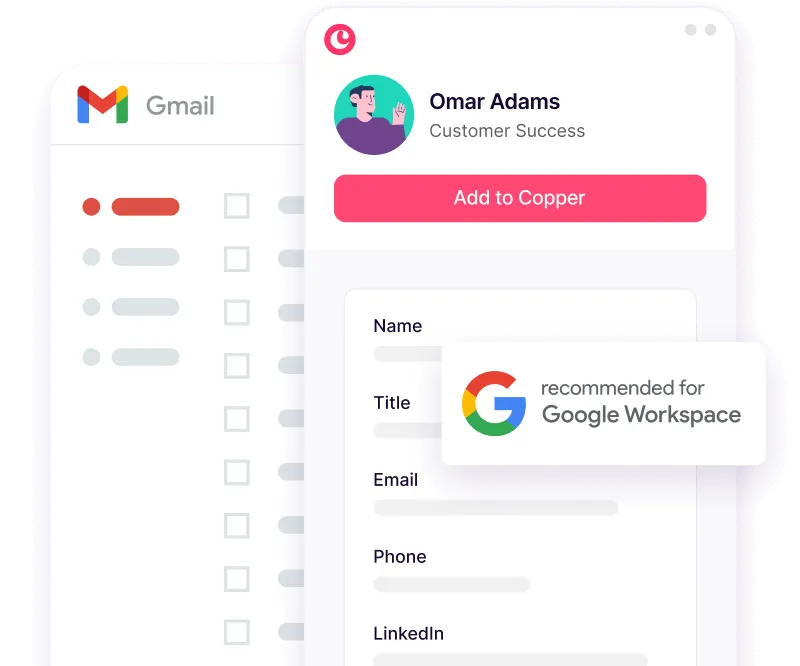
Copper makes suggestions on new contacts it finds in Gmail and Google Calendar.

"What I like best about Copper{{copper}}is its seamless integration with Gmail Workspace. It feels like an extension of Gmail{{gmail}}, making it incredibly intuitive for teams already using Google tools. Very easy to use and user friendly."


AI automatically enriches new contact records, gathering details like phone numbers, email addresses, and social media so you can say goodbye to entering that all by hand!
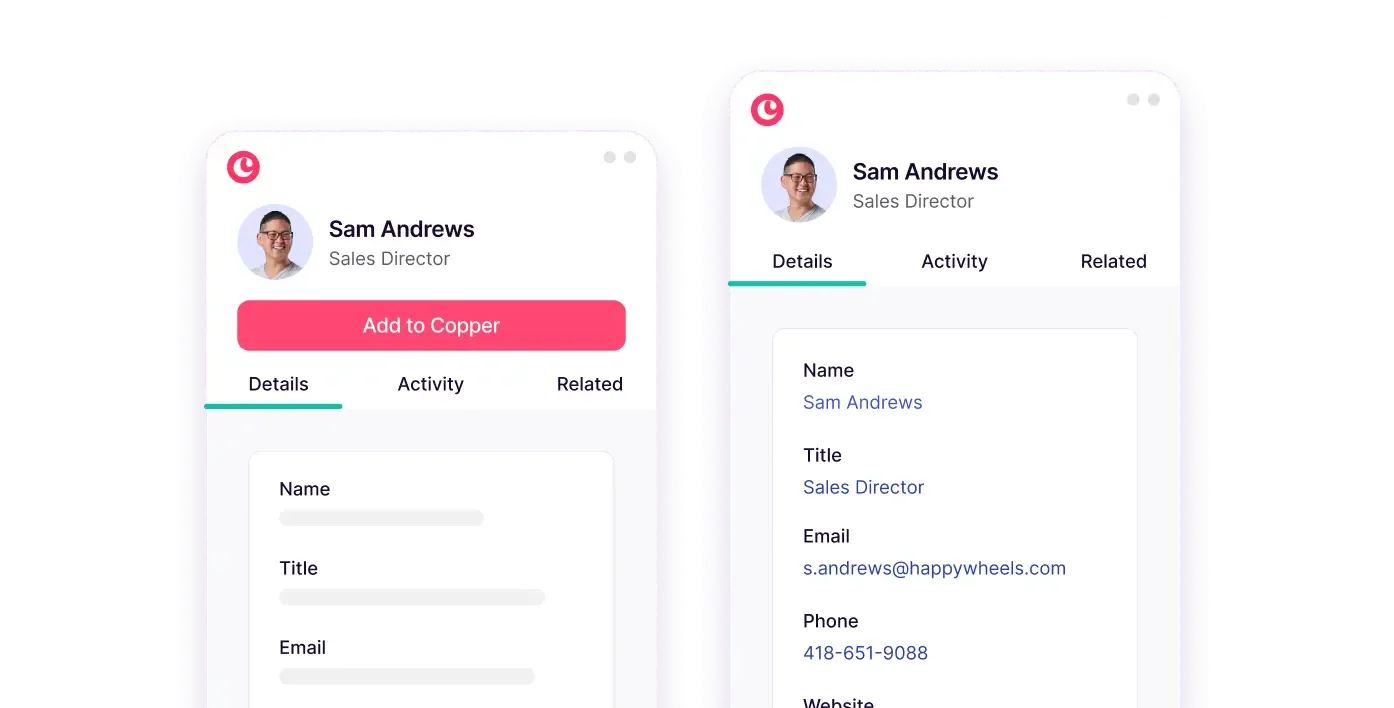
Tag, filter and create fields for leads and contacts based on any criteria.
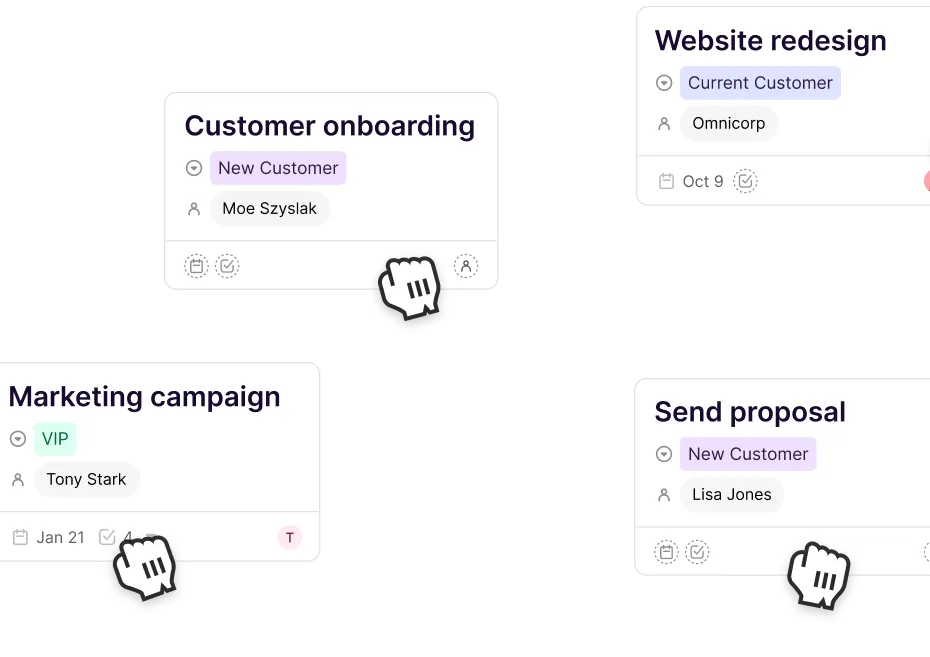
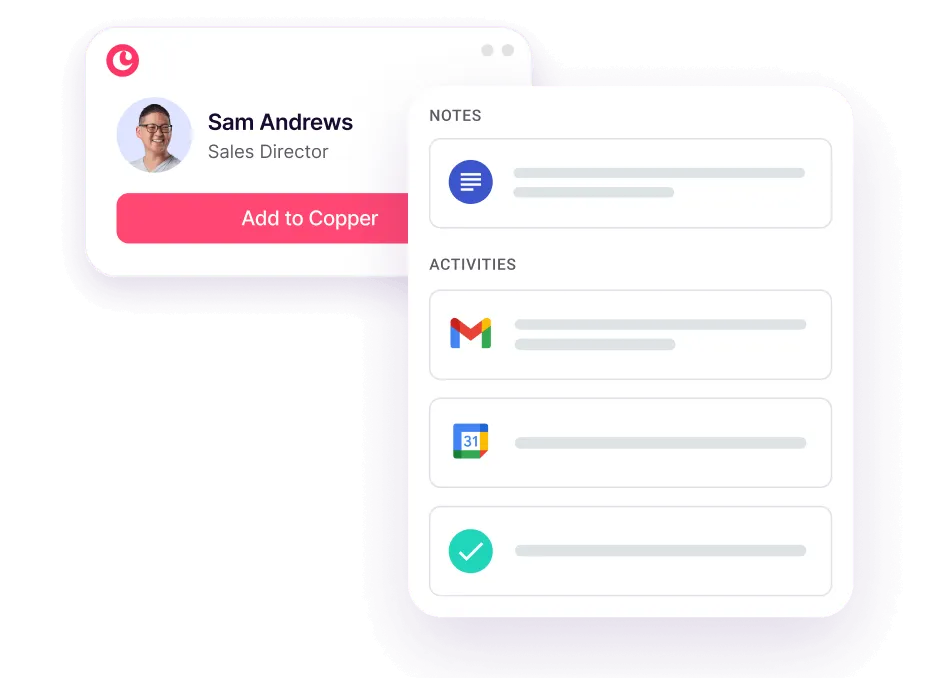
Get the big picture (and all the little details!). Copper tracks and displays a live activity feed of every interaction on your contacts’ profiles.
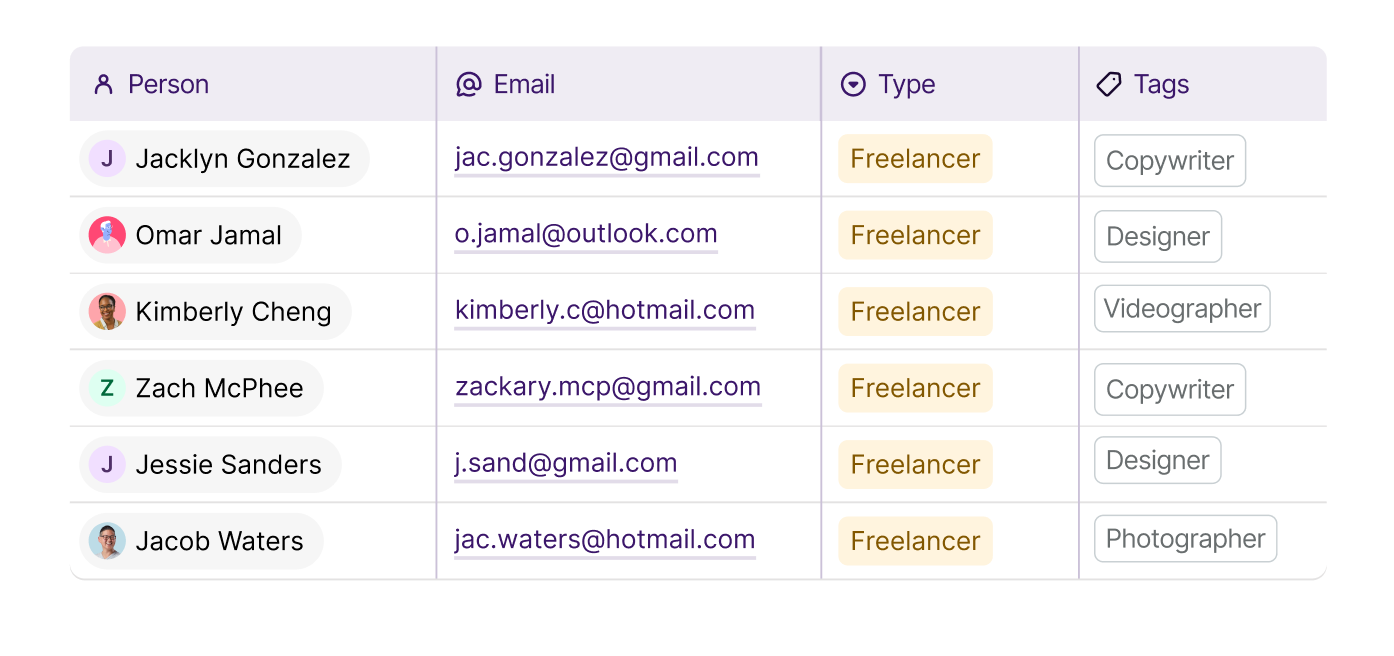
Freelancers, journalists, vendors, clients... the list goes on. Copper makes keeping track of every business relationship effortless.
"There was a lot of flexibility with Copper, and I knew that it could be built upon. We could have a simple pipeline today and a complex pipeline or multiple pipelines in the future… It’s very scalable."

Copper is purpose-built to help relationship-focused businesses manage their entire customer journey.


Have super-important accounts? Star them to make sure you get notified about updates.

Easily monitor when a hot lead or customer clicks on links in your email, so you can send timely follow-ups.

Want to track more specific data about your contacts? Add custom fields to record special details.

See exactly what’s going on with a real-time feed of all the contact and account activities.
.svg)
Copper automatically enriches contact profiles with up-to-date company information, social profiles, and more.

Add someone or update existing contact info directly from LinkedIn without switching tabs.

"As a small business I love that Copper can keep my emails and tasks organized. The large CRM platforms were too much. As my day is all email, Copper is just what I need."
"I love the fact that it integrates perfectly with Google Workspace. This has been an amazing experience for me since I’m always using Gmail, Drive, and Calendar."
"Great CRM for Gmail users. Copper's unique angle is that it is tightly integrated with Gmail - so as you're emailing contacts, you can easily add those people and opportunities into your CRM. This makes it very easy to use which saves a lot of time and makes CRM updates less of a chore."
"Copper keeps track of all correspondence with your customers. It also sends you reminders via email and allows you to email your work colleagues. The layout is very user-friendly, and the information is accessible."
"Copper CRM helps keep me focused and organized with my business. The pricing is fair and customer service has been great too. I've used it since 2016...and highly recommend it!"
"Copper CRM piggy backs right on top of Gmail in a seamless way."
"The Gmail integration is my favorite Copper feature. It makes it easy to add new leads, people, etc... I also love the task tool and how it integrates with Gmail and Calendar."
"I love the Google plugin. My business uses Google Workspace for just about everything we do, and the Copper + Google Workspace integration is fantastic."
"Got introduced to Copper for a CRM and it's chef's kiss. It naturally integrates with Google Workspace and has a cute little inbox plug in."
"The Gmail integration is my favorite Copper feature. It makes it easy to add new leads, people, etc... I also love the task tool and how it integrates with Gmail and Calendar."
"Great CRM for Gmail users. Copper's unique angle is that it is tightly integrated with Gmail - so as you're emailing contacts, you can easily add those people and opportunities into your CRM. This makes it very easy to use which saves a lot of time and makes CRM updates less of a chore."
"I love the Google plugin. My business uses Google Workspace for just about everything we do, and the Copper + Google Workspace integration is fantastic."
"I love the fact that it integrates perfectly with Google Workspace. This has been an amazing experience for me since I’m always using Gmail, Drive, and Calendar."
"Copper CRM piggy backs right on top of Gmail in a seamless way."
"Copper CRM helps keep me focused and organized with my business. The pricing is fair and customer service has been great too. I've used it since 2016...and highly recommend it!"
"Copper keeps track of all correspondence with your customers. It also sends you reminders via email and allows you to email your work colleagues. The layout is very user-friendly, and the information is accessible."
"Got introduced to Copper for a CRM and it's chef's kiss. It naturally integrates with Google Workspace and has a cute little inbox plug in."
"As a small business I love that Copper can keep my emails and tasks organized. The large CRM platforms were too much. As my day is all email, Copper is just what I need."
Contact management in a CRM refers to storing, organizing, and updating information about people you do business with—like leads, customers, and partners. It typically includes contact details, communication history, associated deals or projects, and any custom information you need to track relationships over time.
Yes, Copper CRM offers a two-way sync with Google Contacts. This means changes made in your CRM will automatically reflect in your Google Contacts—and vice versa—keeping your records consistent across platforms.
Copper CRM allow you to create custom fields to store information specific to your business needs. Common examples include industry type, client tier, birthday, or contract renewal date. Custom fields help you tailor the CRM to your workflows.
Yes. Contact segmentation is a core feature of Copper CRM. You can group contacts using tags, filters, custom fields, or saved lists—making it easier to target specific audiences, organize your outreach, or analyze relationship data.
Contacts can typically be imported into a CRM via CSV file uploads, Google Contacts sync, via LinkedIn, or migration tools from other platforms. During import, CRMs often allow you to map columns to fields and preview data to avoid duplicates.
Copper CRM's Chrome extension allows you to manually add contacts from LinkedIn.
Take Copper for a spin first. Pay and add your team later.