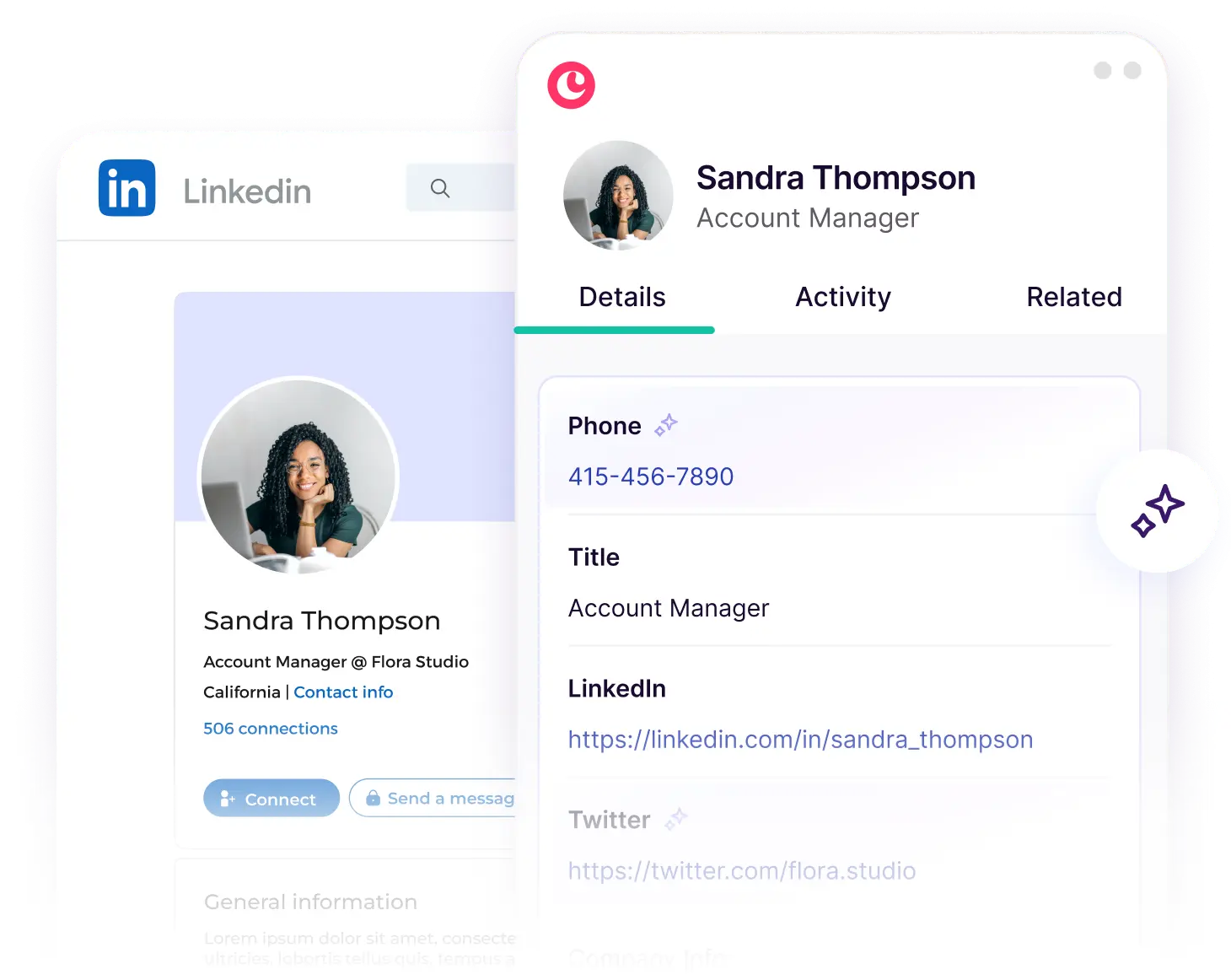
From LinkedIn connection to closed deal and beyond. Copper's chrome extension eliminates manual entry and streamlines relationship management in LinkedIn.

Work where your relationships begin — on LinkedIn

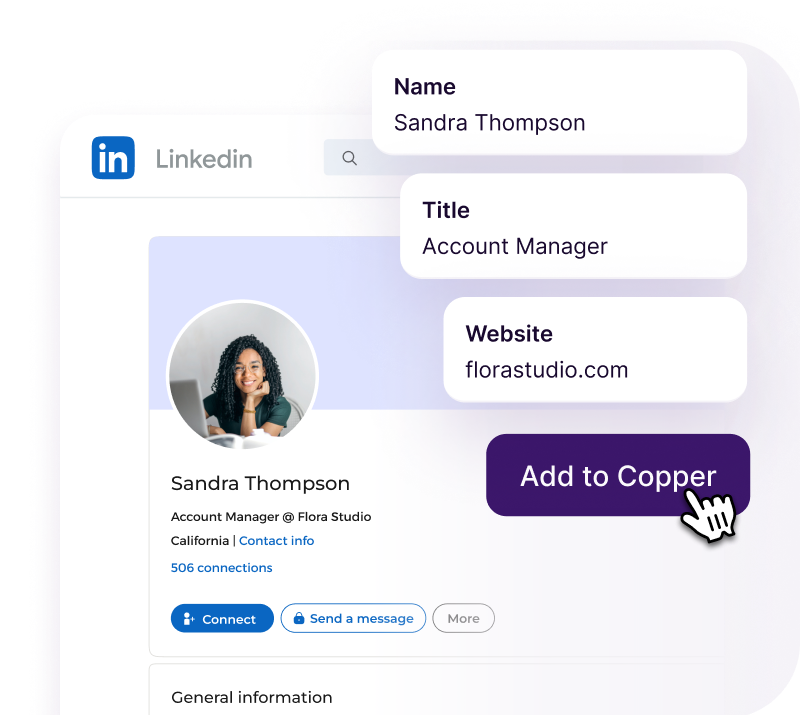
Add leads in seconds

Instantly create new records from LinkedIn with just one click. We’ll auto-fill names, titles, companies, and more.

Find emails from LinkedIn, fast

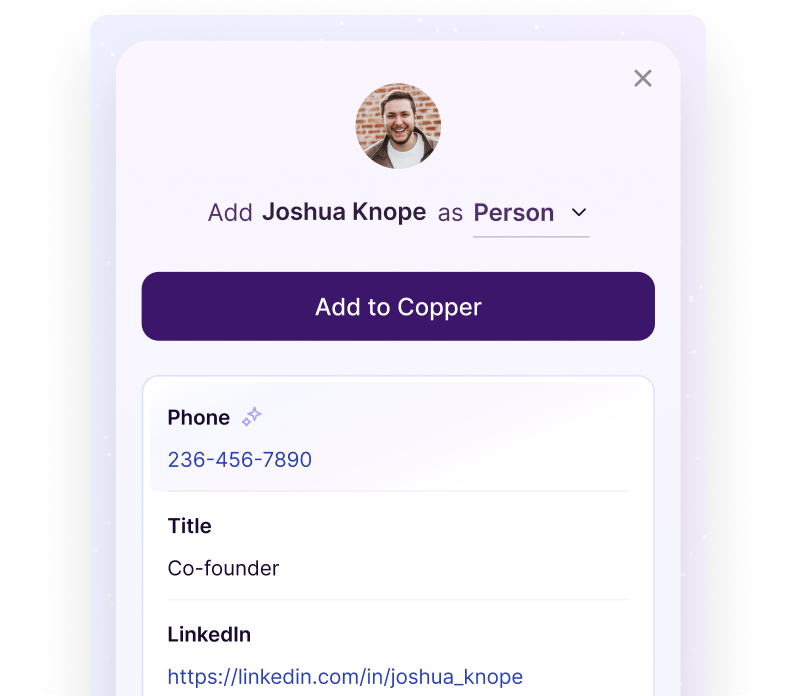
Get verified email addresses from LinkedIn and build complete profiles with Copper's enrichment tools.

Automatically match contacts

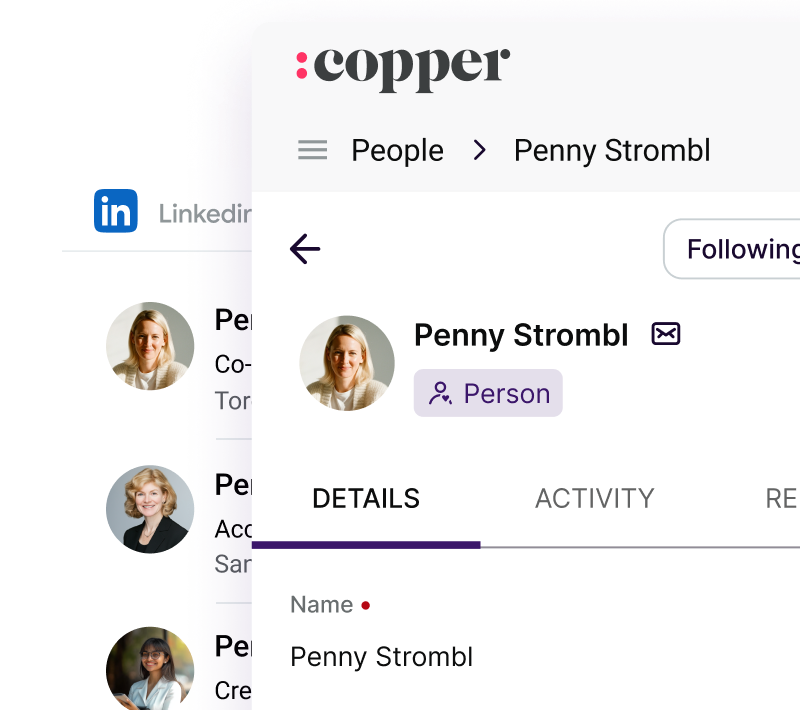
Copper matches LinkedIn profiles with your existing Leads, People, or Companies, keeping your data clean.

"Copper is quick-click and boom, I’m done. Time is money, and Copper saves me time because it’s quick and efficient."

Richard Hoffarth
Scales Advertising

Make CRM updates effortlessly

AI summaries

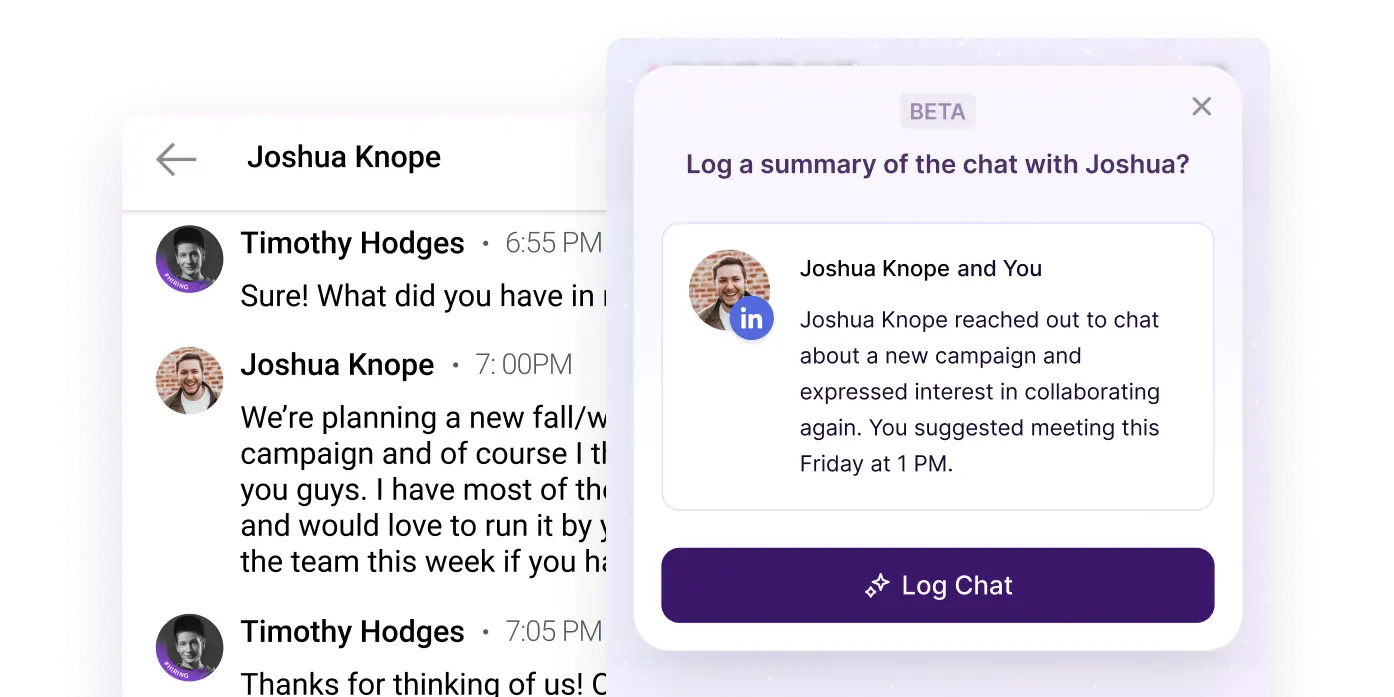
Summarize and log LinkedIn messages

Sync direct messages from LinkedIn into the CRM, and generate smart summaries to understand relationship history at a glance.
Coming soon

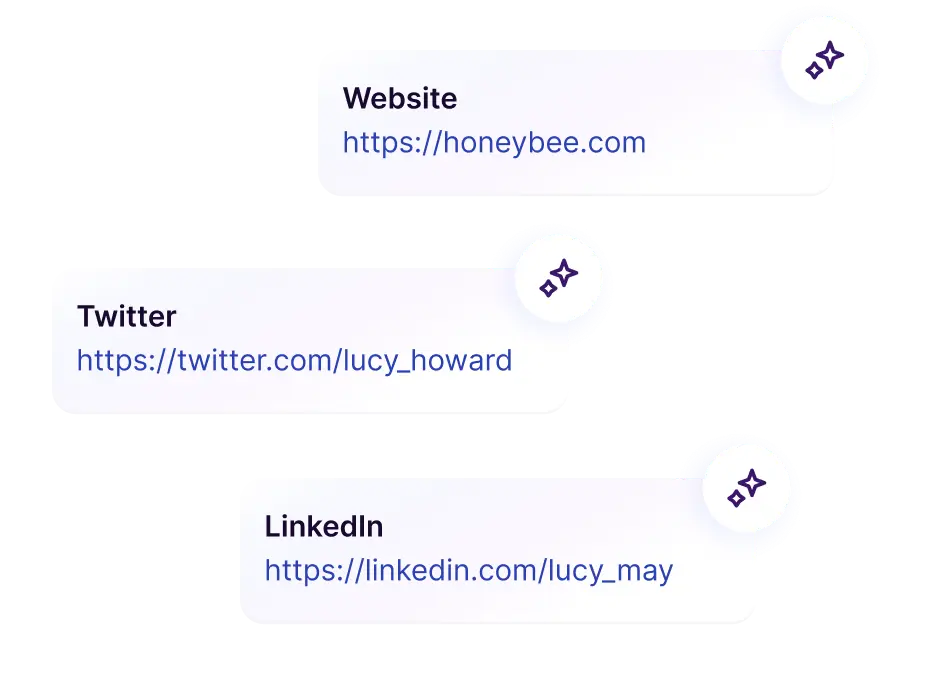
Enrichment

Complete profiles in seconds

Let Copper find emails and complete missing info for you—so you can focus on building relationships, not chasing details.

Updates

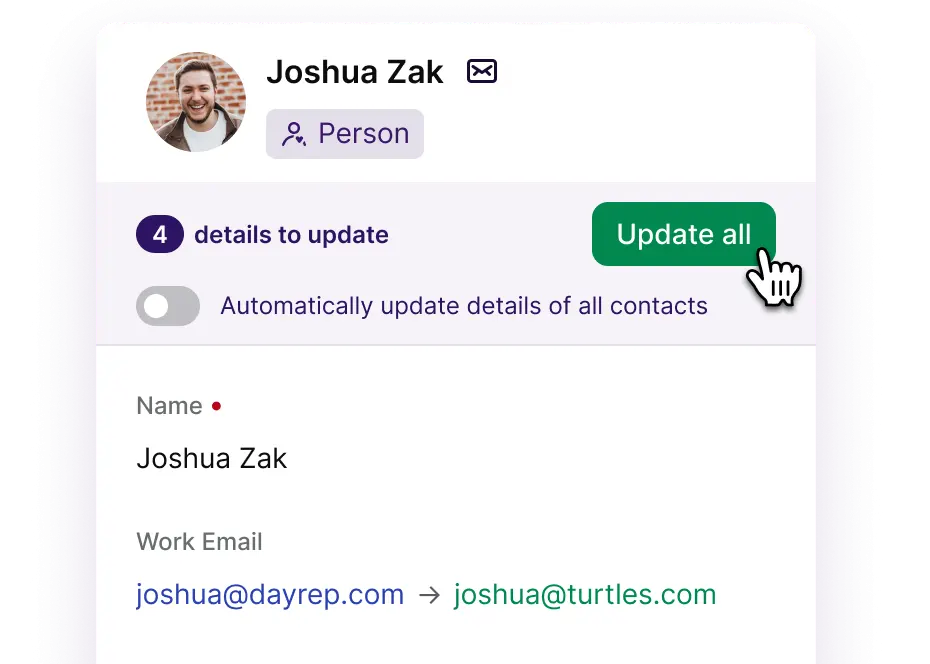
Keep your CRM fresh

Spot outdated info? Hit “Update” to sync the latest title or company changes from LinkedIn directly into your Copper record.

No more switching tabs

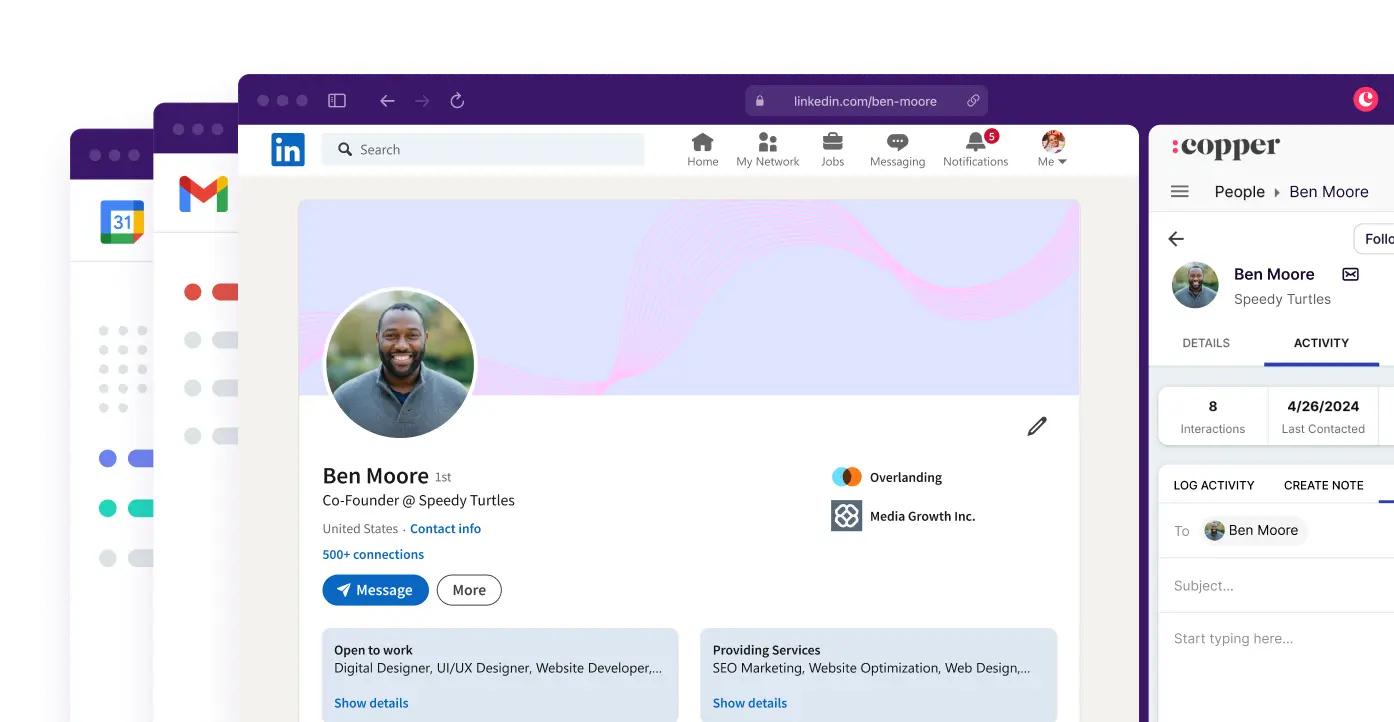
Work where you want to

Reply, log, and send emails from any website, including Gmail and Google Calendar—no tab switching, everything in one place.

"The biggest impact that Copper has made is when our team is on the go: users can easily update a record in real time when they have the information."

Learn how Egan labs uses Copper

All that and more.

Copper is purpose-built to help relationship-focused businesses manage their entire customer journey.

Pipelines & Projects

Close a deal and transition your customer into project delivery or onboarding.

Workflow Automations

Let Copper automatically assign time-based tasks to teammates when opportunities are updated.

Suggested Contacts

Get recommendations on new contacts, and add them with one tap.

Activity Feed

See exactly what’s going on with a real-time feed of all the contact and account activities.

Auto-Enriched Profiles

Copper automatically enriches contact profiles with up-to-date company information, social profiles, and more.

Reports

Gain confidence in your performance with templates and insights that keep everyone updated.

Connect the tools you're already using.

Fibbler

Identify influenced deals from your LinkedIn Ads campaigns and prove LinkedIn's ROI.

Mailchimp

Automatically add opted-in contacts to Mailchimp, or capture new newsletter subscribers in Copper as potential leads.

Rating Stars

Meet the folks who chose Copper.

More happy customers

FAQs.

Can I sync LinkedIn with my CRM?

Yes, Copper CRM lets you sync contacts from LinkedIn directly into your CRM. Using Copper’s Chrome extension, you can capture contacts from LinkedIn and soon, LinkedIn Sales Navigator. Contact profiles are enriched with verified email addresses and company details, so you can track leads, manage relationships, and update your CRM without manual data entry. Ideal for agencies and consulting firms, this workflow helps you turn LinkedIn connections into real pipeline.

Does Copper CRM integrate with LinkedIn?

Yes, Copper CRM integrates with LinkedIn, making it easy to capture and manage your connections. Copper offers a CRM integration for LinkedIn that syncs contacts, enriches profiles, and tracks key sales activity, without data scraping. You get a centralized view of leads, deals, projects and client relationships, without switching between tools.

What’s the best CRM for managing LinkedIn relationships?

Copper is the best CRM for LinkedIn if you want to track relationships, not just contacts. Designed for professional services businesses, Copper combines LinkedIn contact syncing, pipeline management, and relationship tracking in one platform. You can capture LinkedIn leads, log key touch points, and track every deal from connection to closed project, all without spreadsheets or siloed tools.

How can agencies and consulting firms track LinkedIn leads in Copper?

Copper CRM helps agencies and consulting firms track LinkedIn leads all the way through to project delivery. With Copper, you can capture contacts from LinkedIn, track outreach activity, and manage your entire client pipeline in one place. From the first LinkedIn conversation to the final client handoff, Copper gives you full visibility across deals, helps you avoid double data entry, and provides reporting on new business opportunities generated via LinkedIn.

Get started for free.

Take Copper for a spin first. Pay and add your team later.

Free 14-day trial
No credit card required
Instant activation