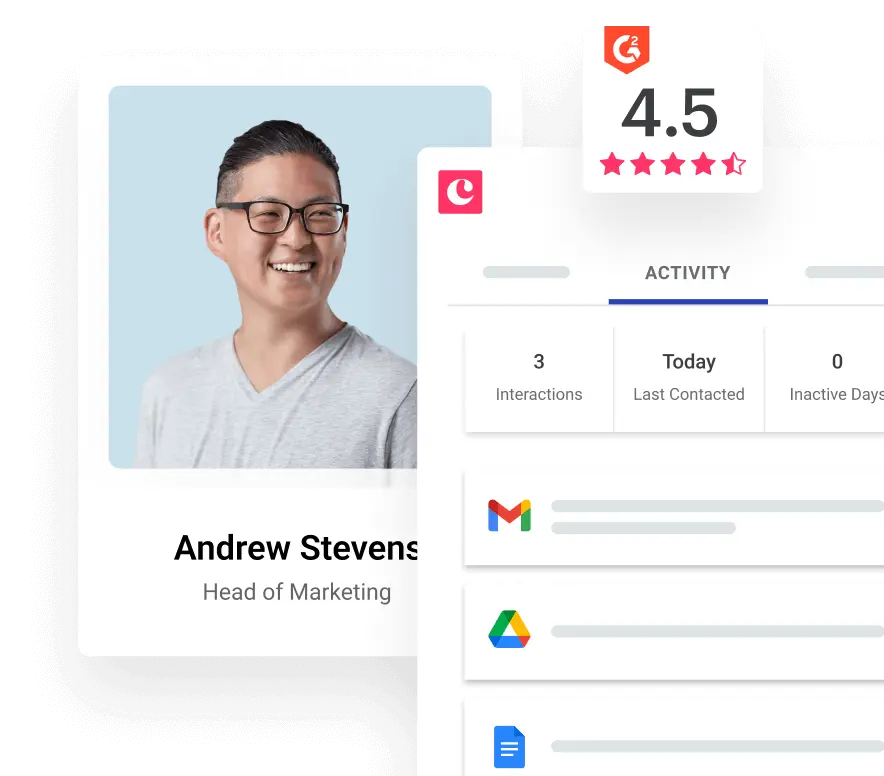
Google Contacts
Copper CRM's integration with Google Contacts allows you to add new leads and update old ones based on your email conversations and Copper suggestions.
Seamlessly sync your CRM with Google Contacts
If you rely on Google Contacts to manage your personal and professional relationships, Copper’s native integration makes it easy to keep everything aligned. With a one-way sync from Copper to Google Contacts, any updates you make in your CRM (like new leads, updated emails, or changed phone numbers) automatically appear in Google Contacts. This helps maintain clean, CRM-controlled data.
Keep your address book accurate, without manual data entry
No more double data entry or toggling between tabs. Copper keeps your Google Contact records up to date based on the information you already have in your CRM. Every time you update a lead or person in Copper, the changes are pushed directly into your connected Google Contacts.
How does the integration work?
-
One-way sync from Copper to Google Contacts
-
Choose which Copper records sync to which Google contact groups
-
Updates are applied automatically in the background
-
Ideal for keeping your mobile device address book in sync with CRM data
Why sync Copper with Google Contacts?
-
Instantly access your CRM contacts from Gmail, Android, or iOS
-
Avoid sending emails to outdated addresses
-
Make phone calls or texts from your mobile device without copy-pasting
-
Share contact details with your team effortlessly
Built for Google Workspace users
Copper is the only CRM that's a Recommended for Google Workspace app. Our Google Contacts integration is just one example of how deeply we integrate with your existing workflow, alongside Gmail, Calendar, Drive, and more.
More integrations


Frequently asked questions
Can’t find the answer here?
Chat with support.
CRM integration involves connecting other business applications with your CRM platform to feed data to, from or between your tech tools. Copper’s goal with CRM integration is to help you seamlessly sync the business software you use daily to your CRM to give you a complete, accurate snapshot of your business and customers.
Our integrations with Gmail, Google Calendar, Google Contacts and Google Drive are included with all plans. Most of our CRM integrations are included on Professional plans and above, but select integrations are available on Business plans only. Check the plan availability section in each listing to confirm.
Yes! You can set up integrations on a free trial. During your free trial, you will be using our CRM software on the Business plan to experience the full capabilities of Copper. Most of our CRM integrations are included on Professional plans and above, but select integrations are available on Business plans only.
[object Object]
If you work at a B2B software company and you’ve built an integration with Copper, email partners@copper.com to apply to be featured on our integrations marketplace. We’ll get in touch if the integration meets our entry requirements.
It depends on the integration! Check each integration listing page for more detailed instructions. In all cases, you’ll need to be an admin or account owner to set up integrations for your account.
Try Copper free.
Instant activation, no credit card required. Give Copper a try today.