ClonePartner
ClonePartner delivers high accuracy, custom data migrations from any CRM into Copper CRM. We map fields, transform data, and validate records via Copper’s API, ensuring accurate history transfer, minimal downtime, and a smooth go-live.
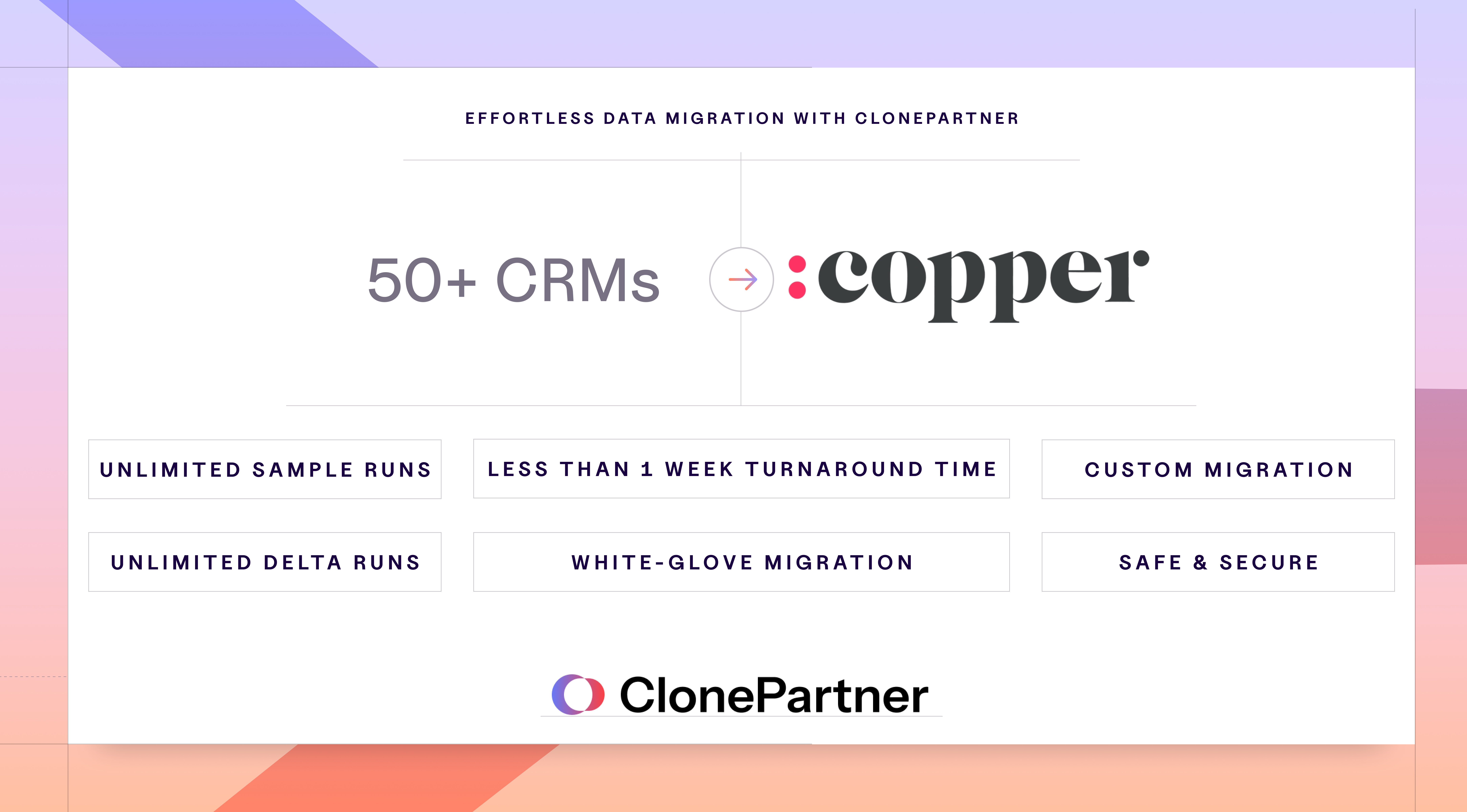
ClonePartner provides custom, end-to-end data migrations into Copper that are precise, transparent, and low-stress.
Migrations preserve relationships, owners, timestamps, notes, tasks, meetings, attachments, tags, and custom fields, so teams begin in Copper with clean, trustworthy history.
Each engagement starts with a short discovery to confirm scope, source systems, and Copper objects.
Typical scope includes People, Companies, Leads, Opportunities with pipelines and stages, and Activities. A field-level mapping and transform plan is prepared, covering items such as status normalization, owner reassignment, date conversions, and duplicate resolution.
The integration connects to Copper through secure API access. Data is first loaded into a non-production Copper workspace for validation. Record counts, cross-links, and required fields are checked, and referential integrity is verified. Findings are reviewed, and the test load is refined until results align with the agreed plan.
Cutover proceeds with a full migration, followed by an optional delta migration to capture late changes. The process respects Copper API limits, handles retries, and maintains structured logs of batches, errors, and retries for audit and troubleshooting.
After go-live, a reconciliation report details what moved, which rules were applied, and any items skipped with reasons, providing complete clarity.
More integrations



Frequently asked questions
Can’t find the answer here?
Chat with support.
CRM integration involves connecting other business applications with your CRM platform to feed data to, from or between your tech tools. Copper’s goal with CRM integration is to help you seamlessly sync the business software you use daily to your CRM to give you a complete, accurate snapshot of your business and customers.
Our integrations with Gmail, Google Calendar, Google Contacts and Google Drive are included with all plans. Most of our CRM integrations are included on Professional plans and above, but select integrations are available on Business plans only. Check the plan availability section in each listing to confirm.
Yes! You can set up integrations on a free trial. During your free trial, you will be using our CRM software on the Business plan to experience the full capabilities of Copper. Most of our CRM integrations are included on Professional plans and above, but select integrations are available on Business plans only.
[object Object]
If you work at a B2B software company and you’ve built an integration with Copper, email partners@copper.com to apply to be featured on our integrations marketplace. We’ll get in touch if the integration meets our entry requirements.
It depends on the integration! Check each integration listing page for more detailed instructions. In all cases, you’ll need to be an admin or account owner to set up integrations for your account.
Try Copper free.
Instant activation, no credit card required. Give Copper a try today.